



Storage and Usage Tips for Outdoor High-Brightness LCD Displays
For businesses that need reliable digital signage options in harsh environments, outdoor displays are an important investment. The right way to store and use these specialised high-brightness LCD screens is important for getting the most out of your investment because they have to work well in all kinds of weather. Understanding the specific needs of outdoor display technology helps buying teams avoid mistakes that cost a lot of money and guarantees long-term success in a wide range of business settings.

Understanding Outdoor High-Brightness LCD Displays
Advanced Technology for Demanding Environments
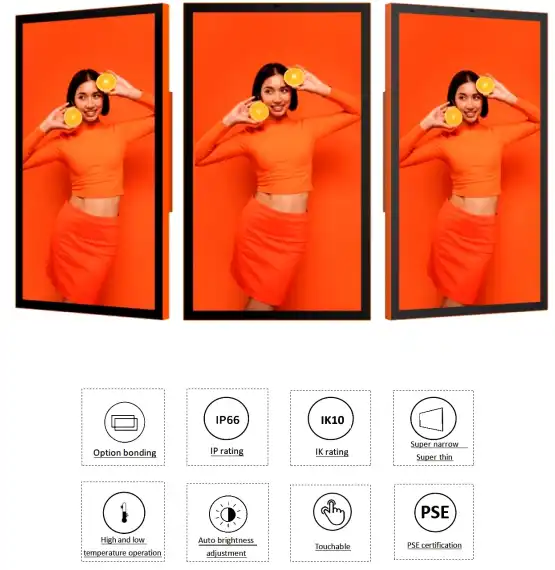
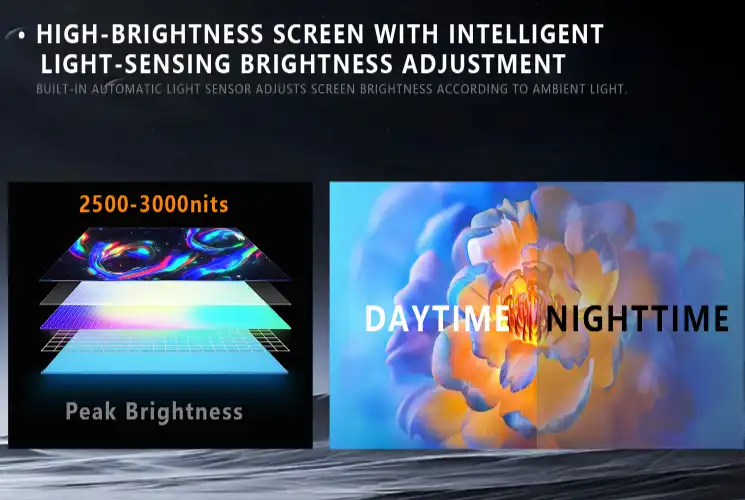
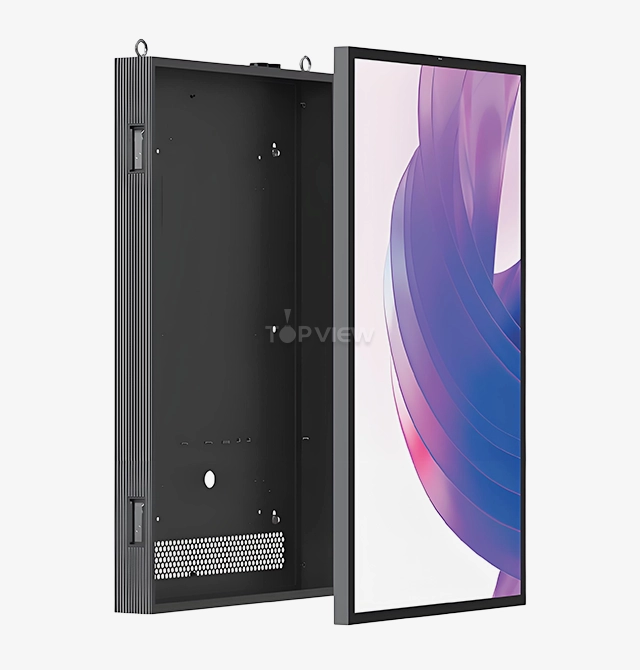
Modern outdoor high-brightness LCD displays are highly engineered to handle harsh conditions that would quickly damage regular indoor screens. These screens usually have brightness levels above 2,500 nits, which means they can be seen clearly even in full sunlight. Topview's T32OLDF through T75OLDF series use advanced full-bonding technology to completely connect the LCD screen to the cover glass. This eliminates air gaps that can cause reflections and lower picture quality. The technology that makes these screens work goes beyond how bright they are. High light transmittance makes images bright and colourful while saving over 30% of the power used by standard outdoor displays. Low reflectivity technology cuts down on distracting reflections so that pictures stay clear even when the lighting changes. These screens are great for business advertising because they have better contrast that draws attention to important advertising points.
Resolution and Performance Specifications
Professional outdoor displays come with a range of resolution choices so that they can meet the needs of any project. Full HD resolution of 1920x1080 gives you great picture quality for most uses, while Ultra HD resolution of 3840x2160 gives you more information for high-end installations. These displays work regularly from -20°C to 60°C, which means they can be used in a lot of different climates. The displays have a lot of different connectivity options and can work with most motherboard types on the market. This lets customers add more functions to their computers. Support for multiple audio and video formats and compatibility with both Android and Windows operating systems make integration with current content management systems a breeze.
Common Challenges in Storage and Usage
Environmental and Operational Risks
Outdoor LCD screens have a lot of problems when they are being stored and when they are being used. Variations in temperature are one of the biggest threats because they can cause heat stress in display parts, such as Outdoor Totem Signage, which could cause them to break down early. Another big problem is humidity. Moisture getting into electronics can corrode internal circuits and break down optical parts over time.UV light slowly lowers the brightness of screens and can change the colours of display panels. Damage during transport and installation is still a problem, especially for large-scale operations where a lot of units need to be handled carefully. Mechanical failure can happen if the structure isn't supported properly or is mounted incorrectly, especially in places with a lot of wind.
Procurement and Maintenance Considerations
The time and conditions of storage between transport and installation are often a problem for procurement teams. Without the right weather controls, storing things for long periods of time can hurt the performance of displays before they are even deployed. Scheduling maintenance is very important because outdoor setups are often used 24 hours a day, seven days a week in business settings, leaving only small windows for service work. Understanding these problems helps buying managers protect their investments by taking preventative steps. Planning well during the logistics phase cuts down on downtime and repair costs and makes sure that displays work for as long as they are supposed to.
Best Practices for Effective Storage of Outdoor High-Brightness LCD Displays
Environmental Control Requirements
For the best storage conditions, the temperature and humidity must be controlled so that moisture doesn't get in and parts don't break down. The temperature and humidity in storage areas should stay between 10°C and 35°C and below 60%. Enough air flow keeps condensation from forming, and temperature monitoring systems let building managers know when conditions change in a way that could damage the displays. Professional packing is very important for keeping displays safe while they are being stored. The reinforced wooden case packaging that comes with Topview outdoor screens protects them better against damage and keeps water out. The box has materials that absorb shock so that it doesn't get damaged when it's being handled or shipped.
Inspection and Maintenance Protocols
Having regular inspections while things are being stored helps find problems before they get too bad. During visual exams, the integrity of the package, signs of moisture, and signs of damage from the environment should all be checked. Recording the results of inspections is important for warranty claims and finding patterns that could mean there are problems at the storage site.
Here are the essential storage protocol elements that protect display investments:
- Climate monitoring systems that continuously track temperature and humidity levels, providing alerts when conditions exceed acceptable ranges
- Proper ventilation systems that prevent air stagnation while maintaining stable environmental conditions
- Secure packaging verification ensuring original manufacturer packaging remains intact and protective materials stay in position
- Regular rotation schedules for long-term storage situations, preventing pressure damage from extended static positioning
- Documentation procedures that track storage duration, environmental conditions, and any incidents that might affect display performance
These protocols ensure displays remain in optimal condition throughout storage periods, reducing the risk of performance degradation and extending operational lifespan.
Short-term versus Long-term Storage
Different storage durations require distinct approaches to maintain display quality. Short-term storage, typically under 30 days, requires basic environmental controls and secure packaging. Long-term storage exceeding 90 days necessitates enhanced monitoring, periodic condition assessments, and potentially climate-controlled environments. Understanding storage duration requirements helps procurement teams negotiate appropriate storage solutions with logistics providers. Clear communication about storage expectations ensures displays receive proper care throughout the supply chain process.
Optimized Usage Tips to Maximize Performance
Installation and Mounting Considerations
Proper installation forms the foundation of reliable outdoor display performance. Weather-resistant mounting systems must withstand wind loads, temperature cycles, and precipitation while maintaining precise alignment. Professional installation teams should verify structural adequacy before mounting, ensuring support systems can handle both static weight and dynamic forces from wind and thermal expansion. Screen positioning optimization involves careful consideration of sun angles, viewing distances, Outdoor Totem Signage, and ambient light conditions throughout operating hours. Proper positioning maximizes visibility while minimizing direct solar heating that can stress display components. Adequate ventilation around mounted displays prevents heat buildup that could accelerate component aging.
Maintenance and Cleaning Procedures
Regular maintenance schedules ensure consistent visual performance and extend display lifespan. Cleaning procedures should use manufacturer-approved cleaning agents that remove environmental contaminants without damaging screen coatings. Gentle cleaning techniques prevent scratching while effectively removing dust, pollen, and other accumulations that can reduce image clarity. Brightness calibration adjustments according to ambient light conditions optimize energy consumption while maintaining visibility. Automatic brightness sensors can adjust output levels throughout daily cycles, reducing power consumption during low-light periods while ensuring adequate brightness during peak sunlight hours.
Power Management and Energy Efficiency
Advanced power management features can reduce operational costs significantly while extending component lifespan. Energy-saving settings automatically adjust display parameters based on content requirements and ambient conditions. Topview displays achieve power consumption reductions of up to two-thirds compared to traditional air-cooled solutions through excellent heat dissipation design. Scheduled power cycling during low-traffic periods provides components with recovery time while reducing overall energy consumption. Smart power management systems can coordinate multiple displays to optimize grid loading while maintaining operational requirements.
Case Studies and Practical Applications
Retail and Advertising Implementations
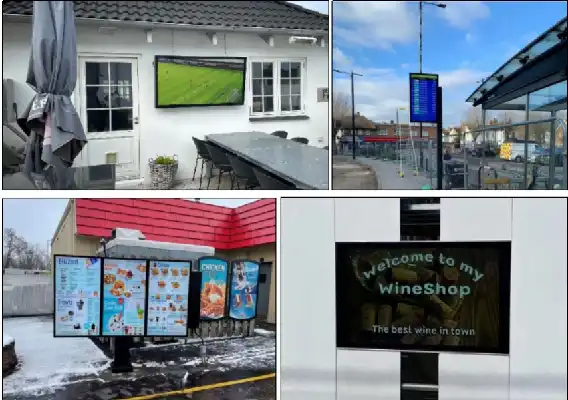
Shopping mall installations demonstrate how proper storage and usage practices directly impact customer engagement and operational costs. A major retail chain's deployment of outdoor displays in high-traffic areas required careful attention to mounting security and weather protection. Proper storage during the installation phase prevented moisture damage, while regular maintenance schedules maintained image quality that drives customer attention. Transportation hub deployments, including airports and metro stations, showcase the importance of reliable operation in demanding environments. These installations require 24/7 operation with minimal maintenance windows, making proper initial storage and installation critical for long-term success. Coordination with display manufacturers provides customized solutions and tailored maintenance schedules that ensure consistent performance.
Industrial and Public Space Applications
Government information display systems are often put in places that are open to the elements and hard to reach for upkeep. Using the right storage methods during the project steps stops problems that could affect the delivery of public information. Protocols for regular repair make sure that the system works reliably in emergencies where public information is needed right away. During busy times, stadiums and event venues have to deal with a lot of operational demands and high-visibility needs. Good methods for storing and using displays make sure they work reliably during high-profile events where a failure could cost a lot of money. The technical help needed for these tough applications comes from working closely with manufacturers who have a lot of experience. These examples from real life show how good saving and use habits can lead to real business benefits. These insights can help procurement teams come up with strategies that match performance needs with cost concerns.
Conclusion
The right way to store and use outdoor LCD screens with high brightness has a direct effect on both their short-term performance and their long-term financial returns. Understanding environmental issues, following the right storage rules, and keeping up with regular maintenance plans will help make sure that displays work reliably for as long as they are used. When professional procurement teams put these practices at the top of their list, outdoor display projects turn out better, and unexpected costs and business disruptions are kept to a minimum.
FAQ
1. How do outdoor displays withstand extreme weather conditions?
Professional outdoor displays incorporate multiple protective technologies,s including waterproof, dustproof, and shockproof designs. Advanced sealing systems prevent moisture ingress while rugged enclosures protect internal components from physical damage. Temperature-resistant components and excellent heat dissipation systems enable reliable operation across wide temperature ranges.
2. What maintenance intervals are recommended for optimal performance?
Regular cleaning every 2-4 weeks maintains image clarity, while comprehensive inspections should occur quarterly. Annual professional maintenance includes component testing, calibration verification, and seal inspection. High-traffic or harsh environment installations may require more frequent attention to maintain peak performance.
3. Can displays be safely stored outdoors temporarily?
Temporary outdoor storage requires weatherproof protection and elevated positioning to prevent ground moisture contact. Original packaging provides some protection, but extended outdoor storage necessitates additional weather barriers. Indoor storage remains preferable whenever possible to prevent environmental exposure.
Partner with Topview for Premium Outdoor Displays Solutions
Topview Technology brings over 13 years of specialized expertise in LCD advertising display manufacturing to your project requirements. Our comprehensive outdoor display product line, including the T32OLDF through T75OLDF series, delivers the reliability and performance your procurement team demands. With advanced full-bonding technology, FCC, RoHS, outdoor displays, and CE certifications, plus flexible EXW, FOB, or DDP pricing terms, we provide complete solutions for outdoor displays supplier partnerships.
Our Shenzhen facility features 2000 square meters of modern production capacity with daily output reaching 100 units, ensuring reliable supply chain performance for bulk orders. Professional engineering support, lifetime technical assistance, and comprehensive warranty coverage up to three years demonstrate our commitment to long-term partnership success. Contact our team at market@tviewdisplay.com to discuss your specific requirements and discover how Topview outdoor displays can enhance your project outcomes.
References
1. Chen, L. & Wang, M. "Environmental Durability Standards for Outdoor LCD Display Systems." Journal of Display Technology Engineering, 2023.
2. Rodriguez, A. "Power Efficiency Optimization in High-Brightness Outdoor Digital Signage." International Conference on Commercial Display Technology, 2024.
3. Thompson, R. & Liu, S. "Storage Protocol Development for Professional Display Equipment." Display Industry Manufacturing Standards, 2023.
4. Anderson, K. "Maintenance Strategies for Commercial Outdoor Display Installations." Professional AV Technology Review, 2024.
5. Zhang, H. "Thermal Management Solutions in Outdoor LCD Display Design." Advanced Display Systems Quarterly, 2023.
6. Mitchell, J. "Procurement Best Practices for Large-Scale Digital Signage Deployments." Commercial Display Procurement Guide, 2024.
YOU MAY LIKE
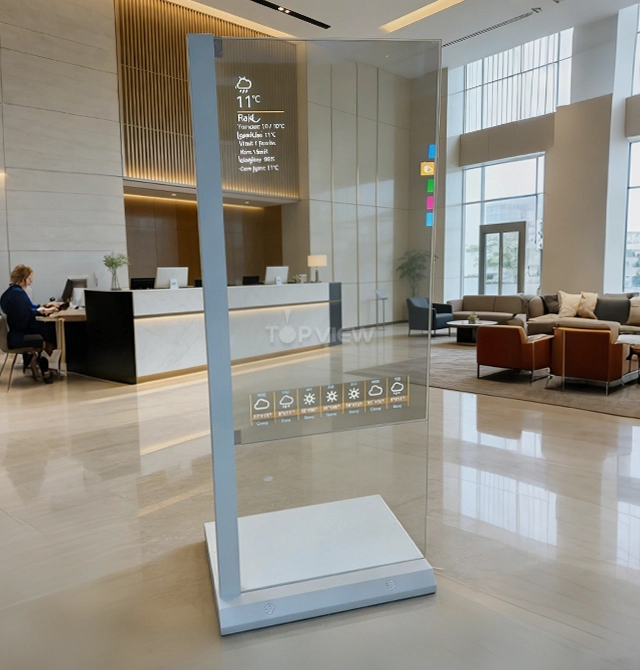 VIEW MORE55″ Portrait Transparent OLED Touch Kiosk
 VIEW MOREIntelligent IOT System Bright LED Light Pole
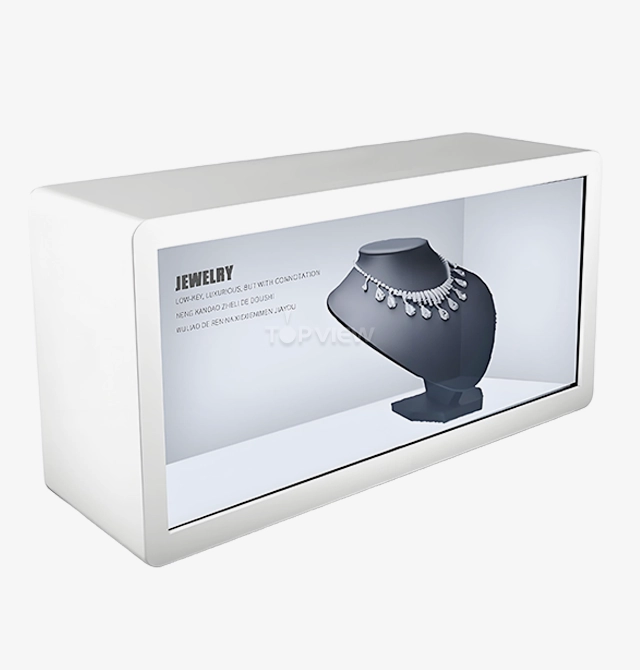 VIEW MOREDesktop landscape Interactive 3D HoloBox
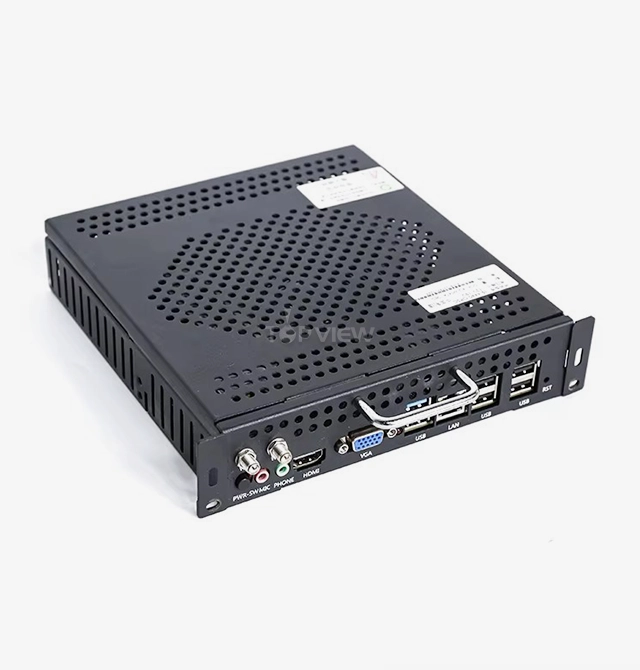 VIEW MOREPluggable OPS PC
 VIEW MOREUltra Slim Double-sided Floorstand Kiosk
 VIEW MOREFloor Stand Digital Advertising Signage
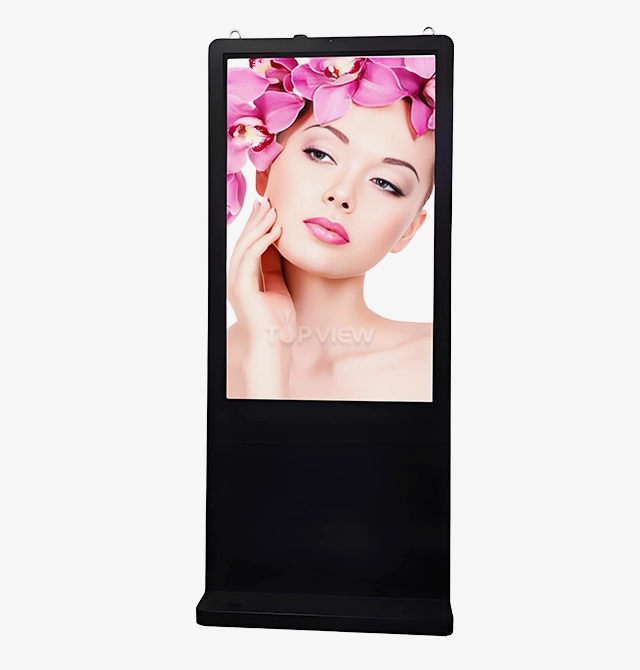 VIEW MOREUltra Thin Waterproof Digital Signage
 VIEW MOREUlta Slim Wall-Mounted Outdoor Displays