



_1782803730867.jpg)
_1782803734182.jpg)
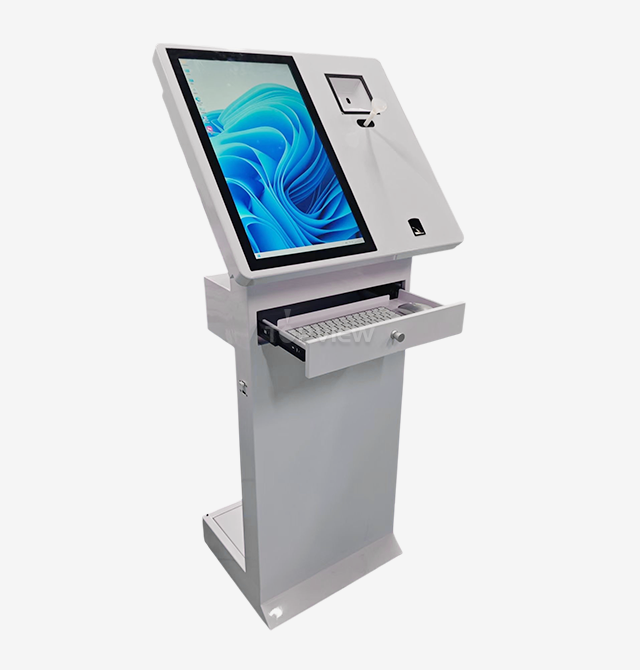
Braille Keyboard PCAP self service Touch Screen Kiosk With Printer
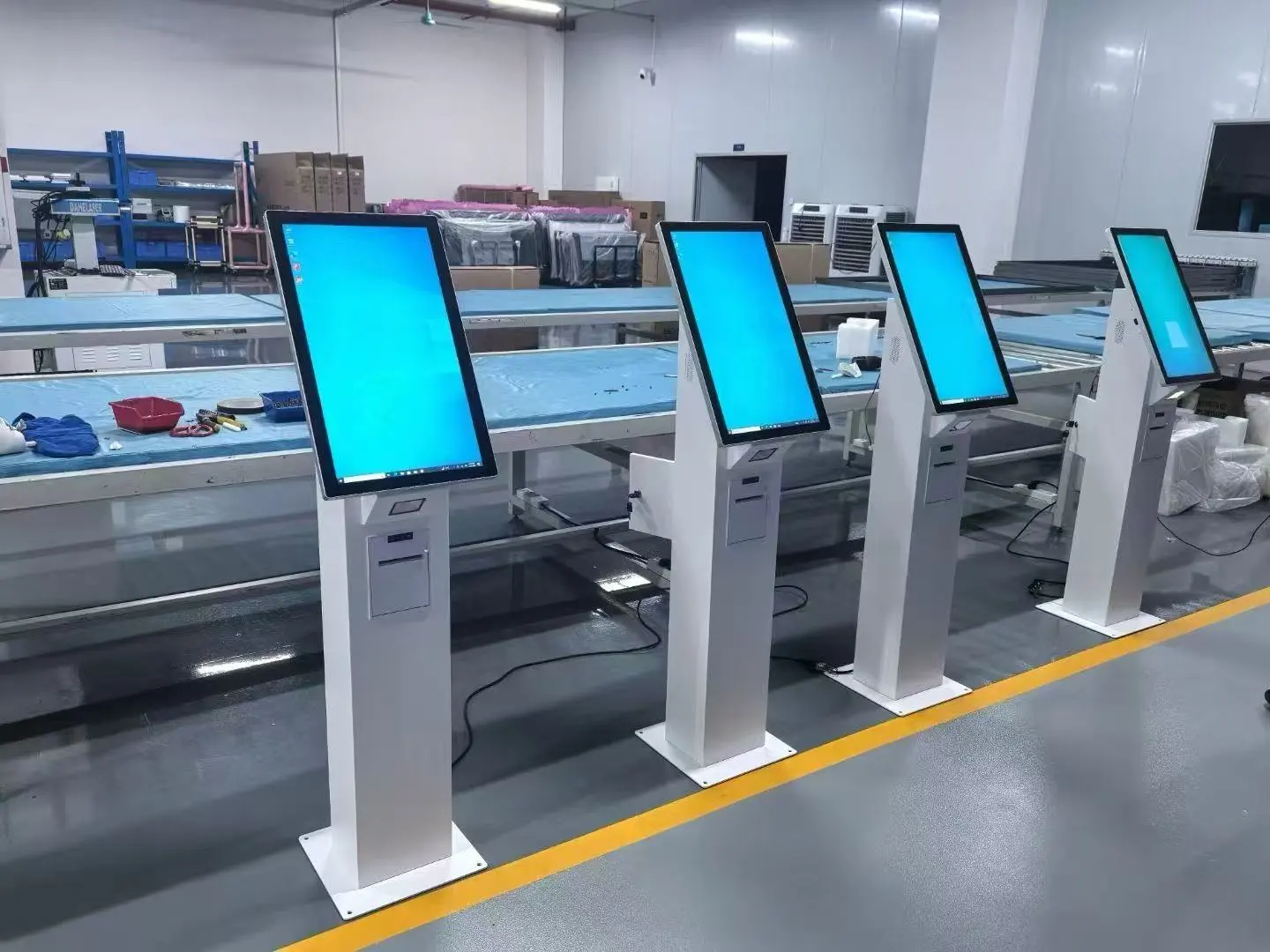
2. 1920*1080 full HD resolution.
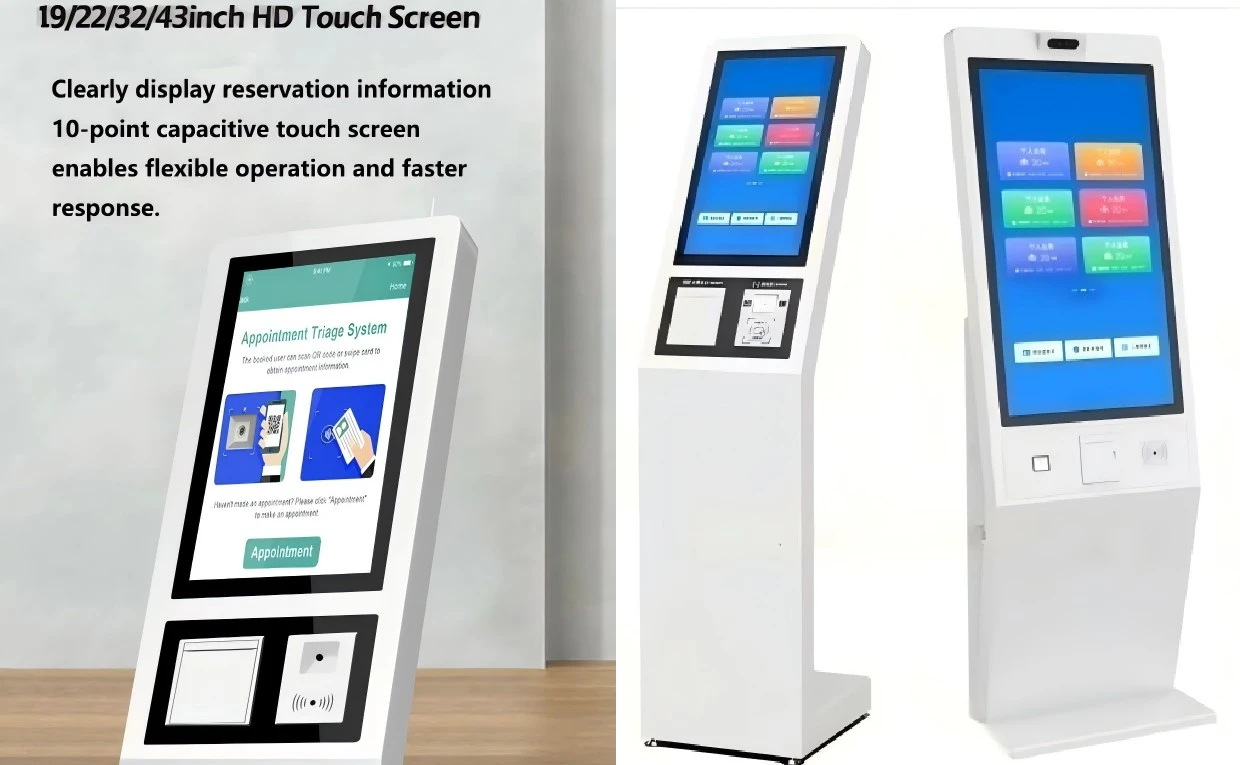
3. 10 point IR or PCAP touch screen.
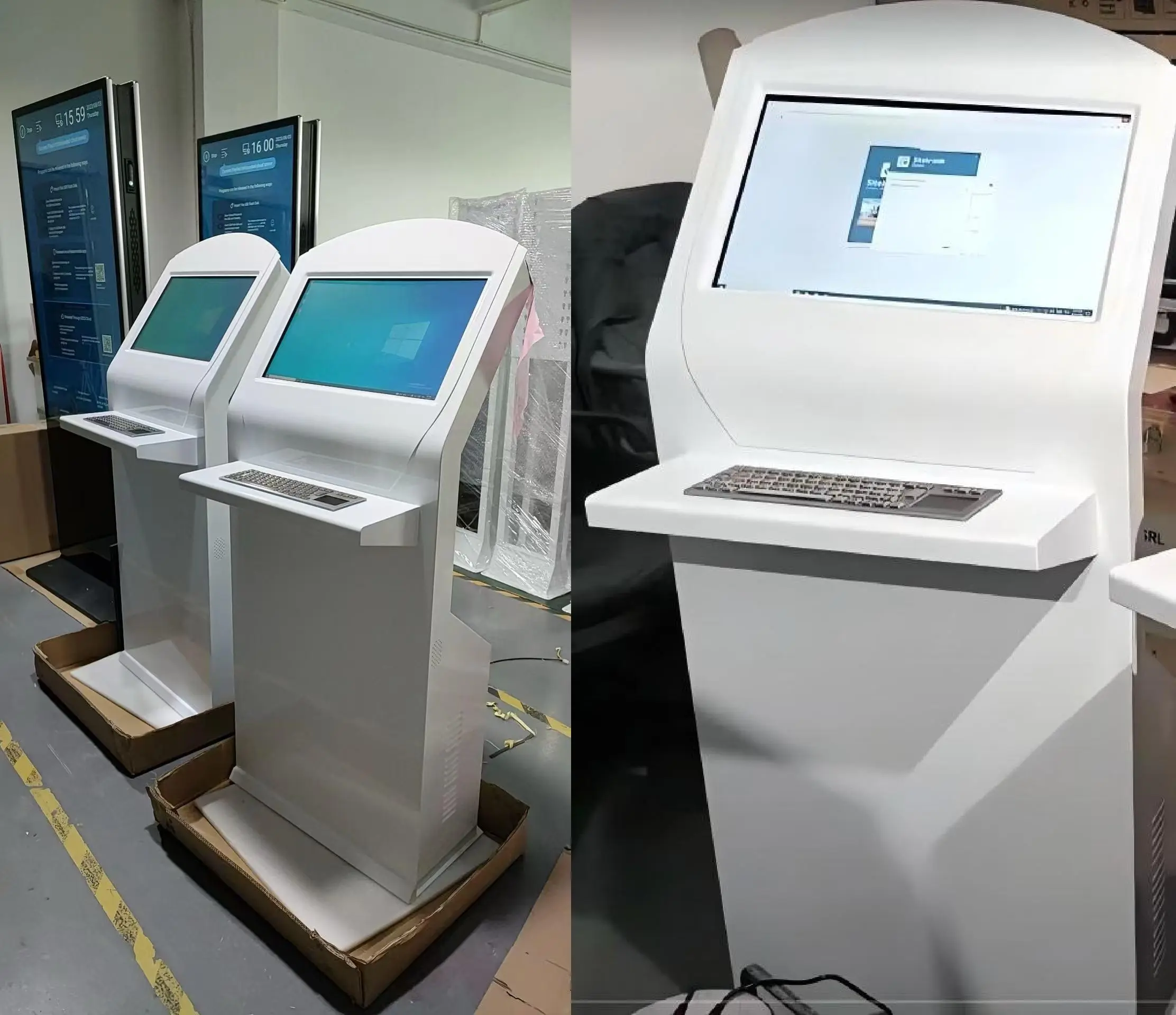
4. Metalic keyboard can be inbuilt, also can be with track ball to replace mouse.
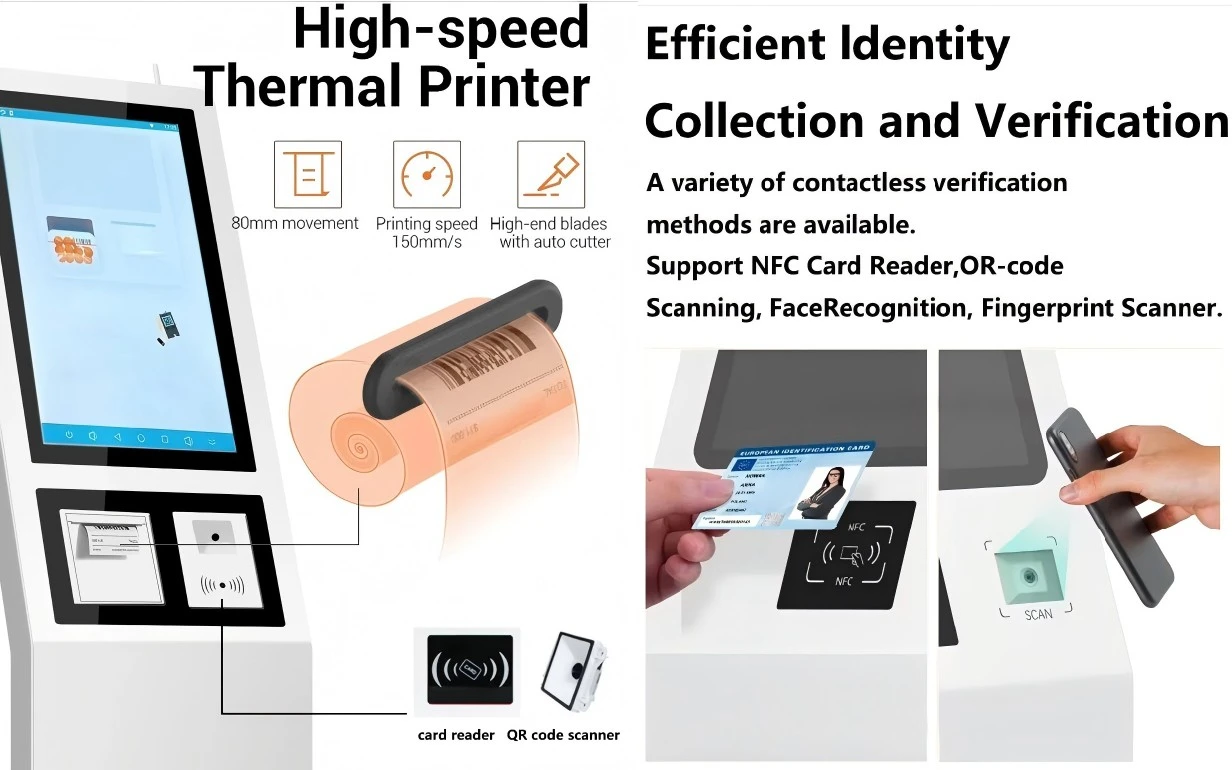
5. Thermal printer can be inbuilt.
6. NFC card reader can be inbuilt.
7. Audio in and out ports can be extended to screen nearby.
8. Android or Windows system optional.
- Product Description
Braille Keyboard PCAP Self Service Touch Screen Kiosk With Printer
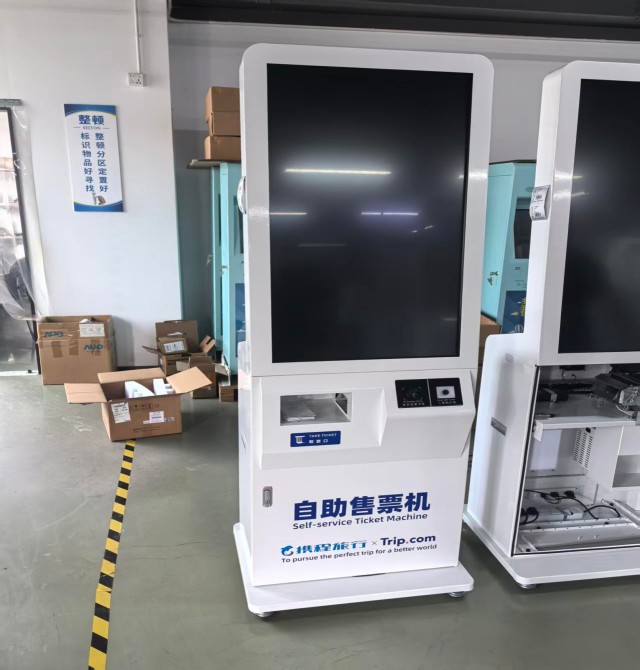
Shenzhen Topview Display presents the Braille Keyboard PCAP self service Touch Screen Kiosk With Printer, an enterprise-grade open stand outlined for government workplaces, banks, libraries, and open scenes. This all-in-one arrangement highlights 10-point PCAP touch innovation, coordinates warm or A4 printers, and specialized braille console alternatives to serve clients of all capacities. Accessible in sizes from 19 to 55 inches with full HD 1920×1080 determination, the booth coordinating different devices—including NFC card perusers, QR scanners, cameras, and sound extensions—into one bound together framework. With Android, Windows, or Linux OS alternatives and customizable metallic consoles or trackball controls, you get a completely custom-made booth that meets different openness guidelines and workflow requirements.
Backed by 14+ a long time of fabricating encounter and total CE, RoHS, FCC certifications, our stands convey dependable execution for high-traffic environments.
Key Features That Set Our Kiosk Apart
Universal Accessibility Design
Your facility needs to welcome everyone. That's why our Braille Keyboard PCAP self service Touch Screen Kiosk With Printer offers specialized accessibility features.
The braille console choice makes a difference outwardly disabled clients explore freely. Sound input and yield ports expand to adjacent screens, permitting clients to interface earphones for clearer tuning in. Trackball controls supplant conventional mice for simpler route, especially favored in North American markets.
This comprehensive plan guarantees compliance with openness directions whereas giving stately benefit to all visitors.
Multi-Device Integration in One Unit
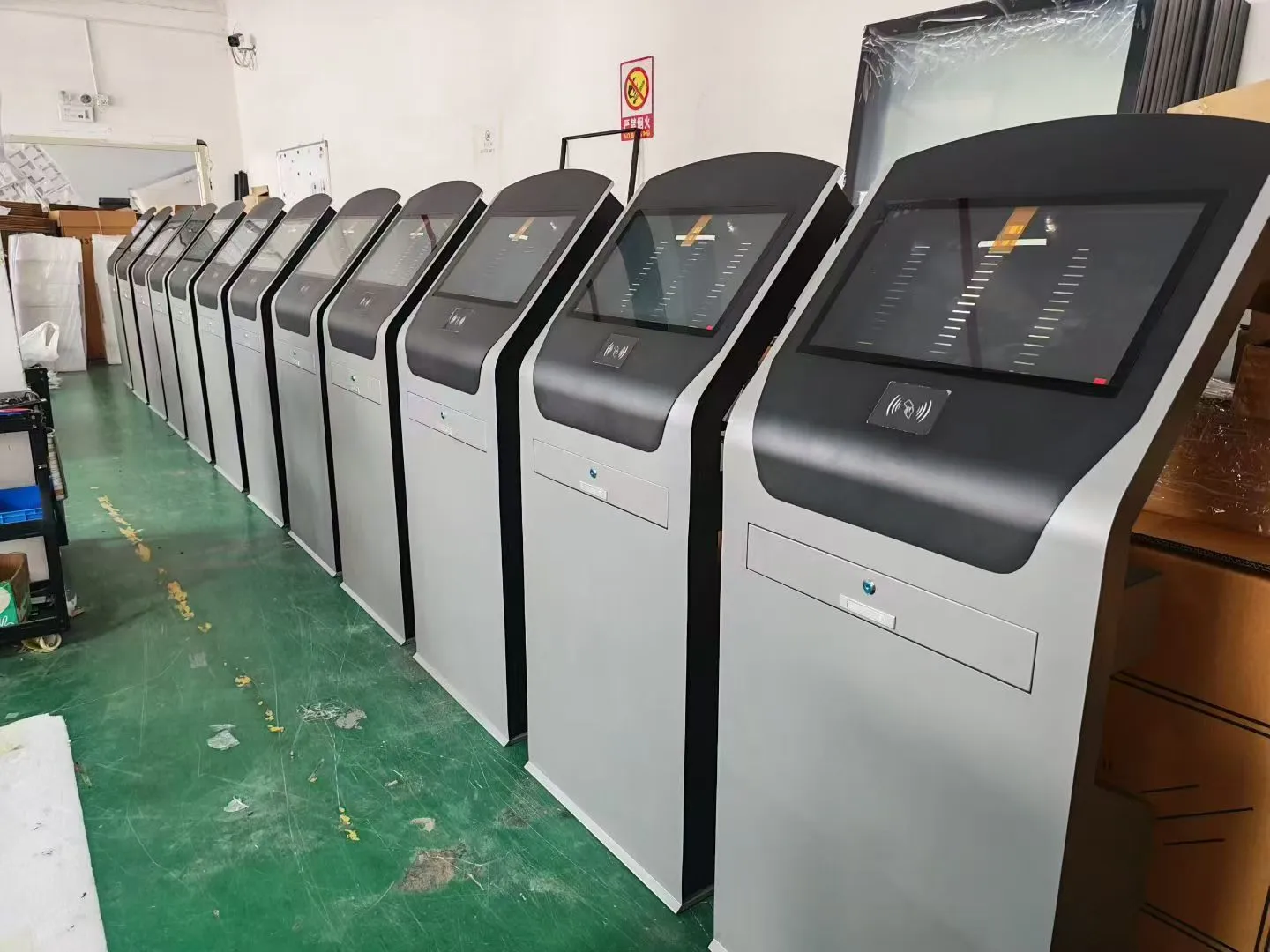
Simplify your deployment with comprehensive device integration. Our kiosk combines computer, touchscreen, keyboard, printer, NFC reader, QR scanner, and camera in a single elegant housing.
The built-in WiFi wireless module provides high-speed networking without cable clutter. Choose between thermal printers for receipts or full A4 paper printers for documents and reports—both integrate seamlessly within the chassis.
NFC card readers enable secure identification and payment processing. This consolidated approach reduces installation complexity and maintenance overhead.
Flexible Touch Technology Options
Select the touch technology that matches your environment. We offer both 10-point infrared (IR) and PCAP touch screens with precise multi-touch gesture support.
PCAP technology delivers superior durability and optical clarity for high-traffic locations. The ergonomic design aligns with natural reading and writing postures, reducing user fatigue during extended interactions.
Screen sizes from 19 to 55 inches accommodate various space requirements and viewing distances. Full HD 1920×1080 resolution ensures crisp text and graphics across all size options.
Operating System Versatility
Your software dictates your OS requirements. Our kiosks support Android, Windows, Linux, or Ubuntu systems based on your specific applications.
Windows configurations allow audio extensions to external speakers or headphone jacks—particularly valuable in noisy environments where elderly users need enhanced audio clarity. Android systems offer cost-effective solutions for straightforward information queries.
This OS flexibility protects your existing software investments while supporting future platform migrations.
Technical Specifications
| Component | Specification |
|---|---|
| Screen Sizes | 19″ / 21.5″ / 24″ / 27″ / 32″ / 43″ / 55″ (optional) |
| Resolution | 1920×1080 Full HD |
| Touch Technology | 10-point IR or PCAP touch screen |
| Keyboard Options | Metallic or plastic keyboard, braille keyboard available |
| Input Devices | Standard mouse or trackball (optional) |
| Printer Types | Built-in thermal printer or A4 paper printer (customizable) |
| Card Reader | NFC card reader (integrated) |
| Additional Modules | QR scanner, camera (optional) |
| Audio | Audio input/output ports extendable to nearby screens |
| Connectivity | Built-in WiFi wireless module |
| Operating Systems | Android / Windows / Linux / Ubuntu |
| Touch Points | 6 / 10 / 20 points (optional) |
| Certifications | CE, RoHS, FCC, C-TICK, FDA, ISO |
Ideal Application Scenarios
Government and Public Services
Government offices require accessible self-service options for forms, applications, and information retrieval. Our kiosk handles document printing, ID verification through NFC readers, and multilingual interfaces.
The braille keyboard and audio extensions ensure compliance with accessibility mandates while reducing staff workload during peak hours.
Banking and Financial Institutions
Banks benefit from secure NFC card authentication, document printing for statements and receipts, and QR code scanning for mobile banking integration.
The professional metallic keyboard option and robust construction project reliability that matches banking security standards.
Libraries and Educational Centers
Libraries need quiet, intuitive catalog search stations. Audio jack extensions let users connect headphones for multimedia content without disturbing others.
The trackball input option reduces noise compared to clicking mice—maintaining the peaceful library atmosphere while providing modern digital access.
Museums and Exhibition Centers
Visitor information kiosks in cultural venues require elegant design and multilingual capabilities. Large screen options (43″–55″) display rich visual content while integrated printers provide maps, tickets, and guided tour information.
Camera integration enables visitor surveys and interactive exhibits that enhance engagement.
Customization Capabilities
Hardware Modifications
Choose metallic or plastic keyboard materials based on durability requirements and aesthetic preferences. Replace standard mice with trackball controls for reduced maintenance and improved accessibility.
We customize housing colors, add branding elements, and adjust mounting configurations for wall, floor, or countertop installations.
Functional Add-Ons
Integrate passport and ID card readers for border control and security applications. Add barcode scanners for retail and inventory management uses.
Configure dual-screen setups where one display faces staff and another faces customers—perfect for service counter applications.
Software Integration
Our engineering team assists with custom software deployment, peripheral driver configuration, and system optimization for your specific applications.
We support various payment gateway integrations, database connections, and enterprise management systems.
Manufacturing and Delivery Excellence
Rapid Production Timelines
Standard configurations ship within 5–7 business days for orders of 100–200 units. Custom models require 15–20 business days from design approval to delivery.
We provide same-day design drawings and sample arrangements upon order confirmation—accelerating your project timeline significantly.
Quality Assurance Process
Every Braille Keyboard PCAP self service Touch Screen Kiosk With Printer undergoes rigorous testing before shipment. Our ISO-certified manufacturing processes ensure consistent quality across production runs.
All components meet international safety and environmental standards including CE, RoHS, and FCC compliance for global deployment confidence.
Comprehensive Support
We offer lifetime online technical support for all installations. Warranty coverage includes free spare parts (excluding human-caused damage) and video guidance for repairs.
Our global certification system and experienced engineering team ensure your kiosks operate reliably throughout their service life.
Frequently Asked Questions
Q: Can the kiosk function outdoors or in harsh environments?
A: While this model suits indoor applications, we manufacture outdoor high-brightness kiosks and solar-powered smart furniture for exterior deployments. Contact us to discuss your environmental requirements.
Q: What printer paper types work with the integrated printers?
A: Thermal printers use standard thermal receipt paper (typically 80mm width). A4 printers accommodate standard copy paper. We provide detailed specifications based on your selected printer configuration.
Q: How difficult is software installation and updates?
A: Windows, Linux, and Ubuntu systems allow standard software installation. Android configurations may require custom APK deployment. We provide technical assistance during initial setup and offer remote support for updates.
Q: Are replacement parts readily available?
A: Yes. We maintain inventory of all standard components. During the warranty period, we ship replacement parts free of charge with video installation guidance. Post-warranty parts are available at competitive prices.
Q: Can the kiosk support multiple languages simultaneously?
A: Absolutely. The operating system and your software control language options. Many clients deploy multilingual interfaces that users select at session start—ideal for international airports, tourist areas, and diverse communities.
Q: What payment systems integrate with the NFC reader?
A: Our NFC readers support ISO 14443 Type A and B protocols, compatible with most contactless payment cards and mobile wallet systems. Specific payment gateway integration depends on your software and merchant services provider.
Q: How do I maintain the PCAP touch screen?
A: PCAP screens require only periodic cleaning with soft, lint-free cloths and appropriate screen cleaning solution. Avoid abrasive materials. The sealed design protects against dust and minor liquid exposure in typical indoor environments.
Q: What is the expected lifespan of these kiosks?
A: With proper maintenance, expect 5–7 years of continuous operation in standard indoor environments. The commercial-grade components and robust construction ensure long-term reliability in high-traffic locations.
Contact Us for Your Custom Solution
Email us at market@tviewdisplay.com to discuss your requirements for Braille Keyboard PCAP self service Touch Screen Kiosk With Printer.
YOU MAY LIKE
 VIEW MOREoptical display bonding
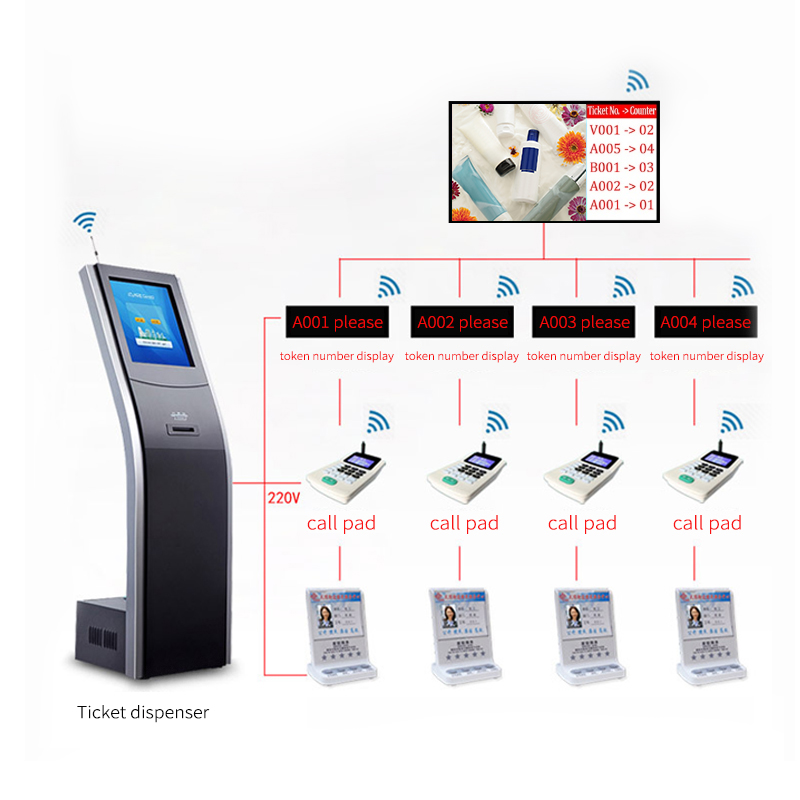 VIEW MOREBank/Hospital/Government queue management display system
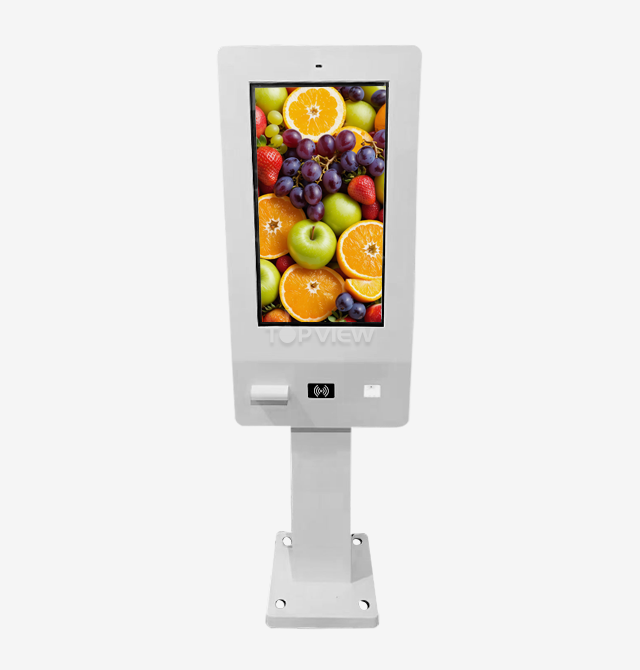 VIEW MORE32" Outdoor Self-service ordering kiosk
 VIEW MOREOutdoor LCD Digital Signage
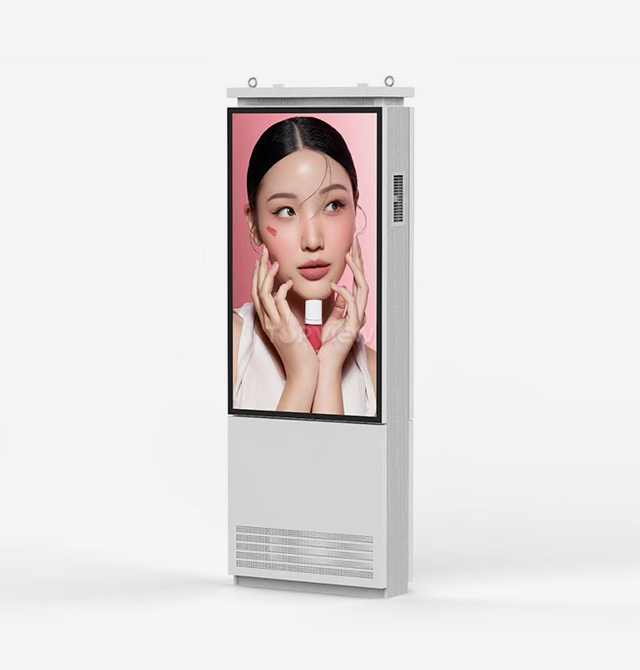 VIEW MOREOutdoor double-sided digital signage kiosk
 VIEW MORE32inch Outdoor LCD Totem Signage
 VIEW MOREoutdoor ev charging kiosk
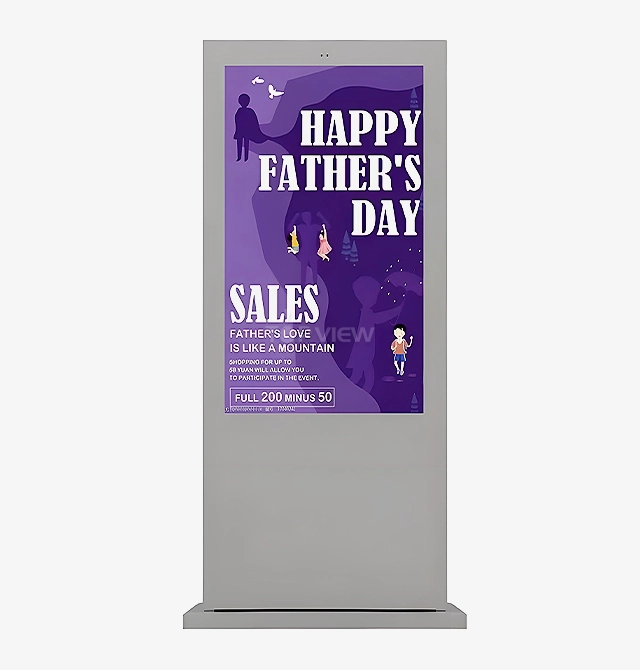 VIEW MOREFan Cooled Outdoor Kiosk